![BoomBox ✅ Music plugin | Custom songs | No dependencies [1.12-26.1.2]](/data/resource_icons/2/x2357.jpg,q1713196327.pagespeed.ic.k3l4uuvlxz.jpg)

- Versions
- 1.12
- 1.13
- 1.14
- 1.15
- 1.16
- 1.17
- 1.18
- 1.19
- 1.20
- 1.20.6
- 1.21
- 26.1

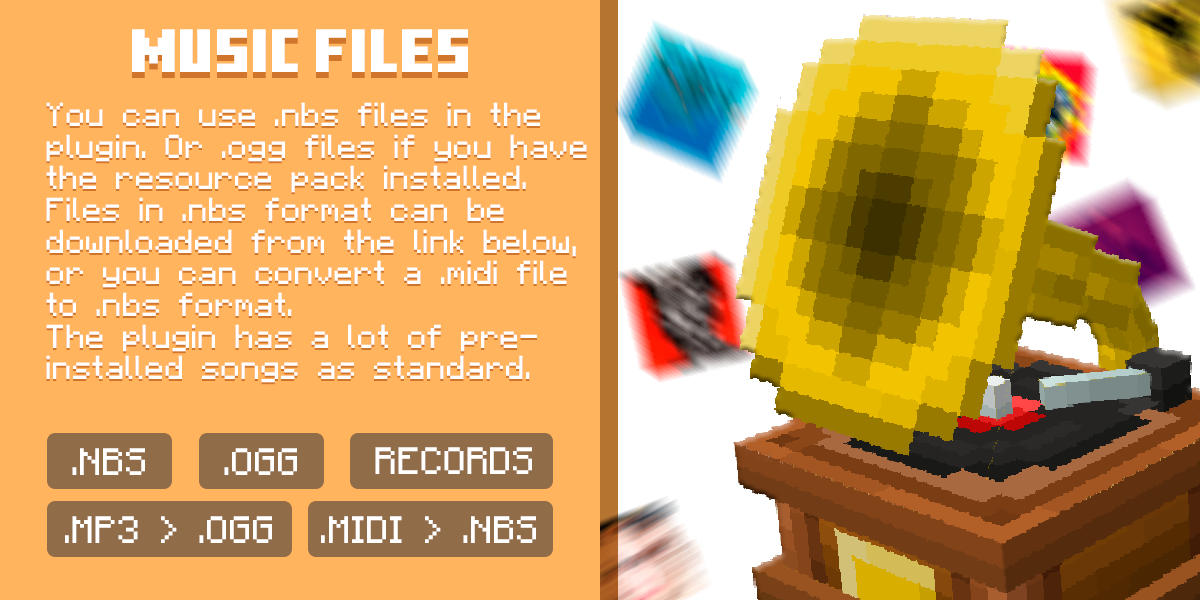
Sounds will be produced by note blocks. Therefore, I advise you to choose the works of the classics.
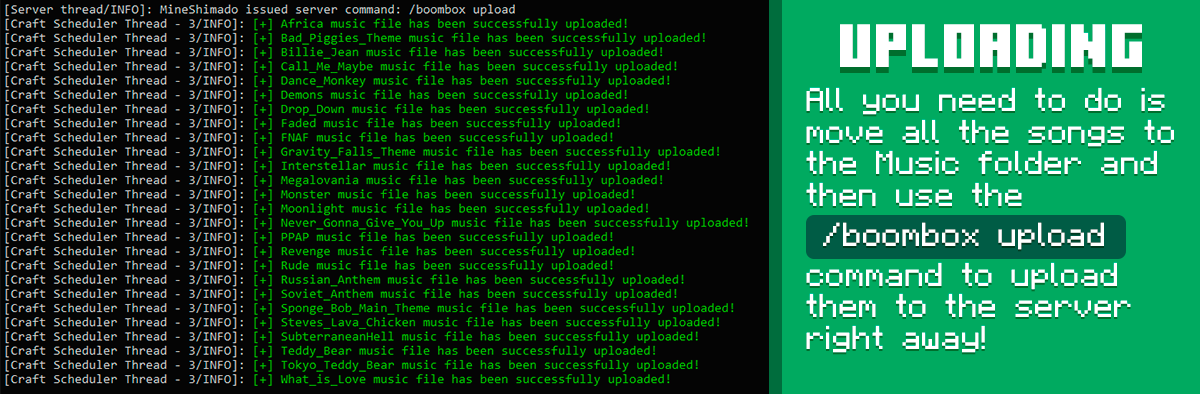
The plugin has songs by default, which can be obtained by entering the command /boombox import
You can also download any .nbs file to listen to it right in the game! Put the .nbs file in the "Music" folder and enter the command in the game /boombox help to add it to the catalog!
You can also use the /boombox lobby create command to create a boombox for spawn, which will play songs from its playlist endlessly immediately upon server startup!
Or when a player enters, set a song in the config that will be played to him. This can be either a .nbs song or an .ogg!
OGG SONG WORKS ONLY WITH RESOURCE PACK!
The plugin has songs by default, which can be obtained by entering the command /boombox import
You can also download any .nbs file to listen to it right in the game! Put the .nbs file in the "Music" folder and enter the command in the game /boombox help to add it to the catalog!
You can also use the /boombox lobby create command to create a boombox for spawn, which will play songs from its playlist endlessly immediately upon server startup!
Or when a player enters, set a song in the config that will be played to him. This can be either a .nbs song or an .ogg!
OGG SONG WORKS ONLY WITH RESOURCE PACK!


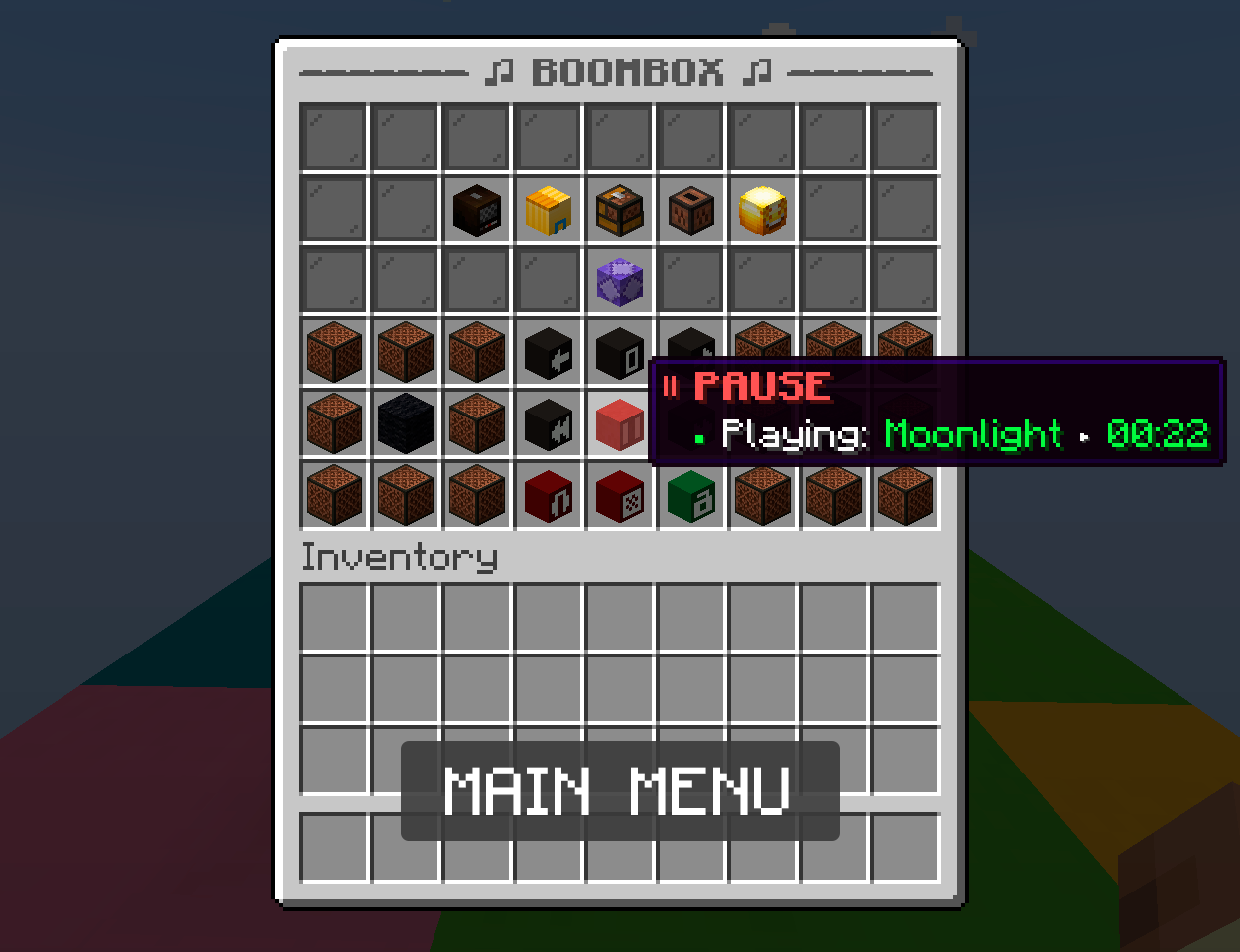
 MAIN GUI
 In the main menu you have access to:
- Turn radio on/off
- Open catalog menu
- Open playlist menu
- Open records menu
- Open statistics menu
- Open settings menu
- Change a song acceleration. From -100 to 100%
- Change master volume. From 0 to 100%
- Play/pause a song
- Switch to next/previous song
- Turn headphones on/off
- Lock/unlock the boombox
- Pick it up and listen on the go (Pocket boombox)
 RADIO
RADIO To start listening to the radio, click on it. You will be connected to listening to the current song. The radio is synchronous for everyone.
All music tracks are played in the radio, even those that have not been purchased from you. Voice-overs will sound between the songs (as on the radio itself in life), after which the next music will play. You can turn off the radio only by clicking on it again.
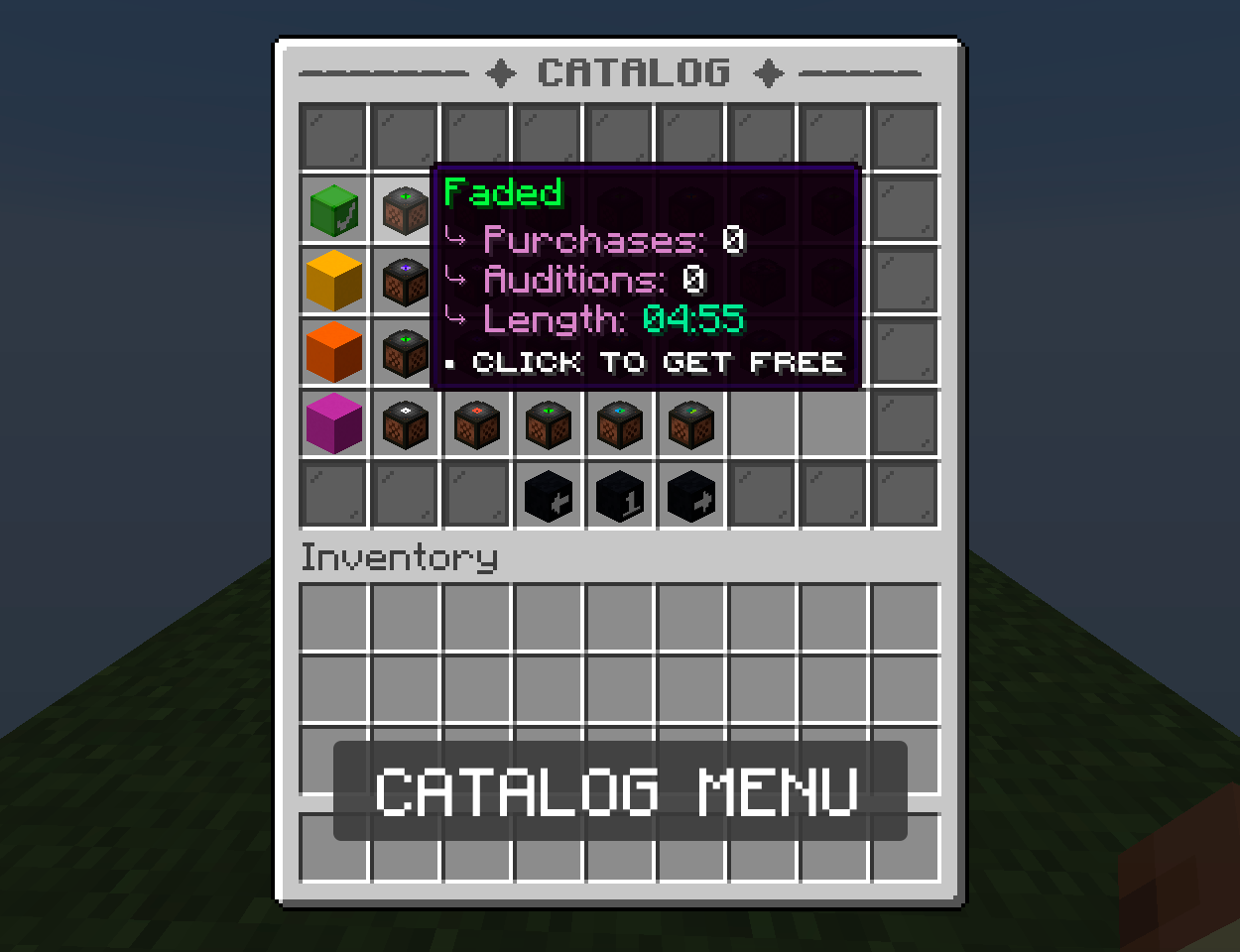
CATALOG / PLAYLIST Here are all the music tracks that are on the server and that can be purchased, and after the purchase, you can listen to the left click of the mouse, and on the right - add to the playlist or remove.
All purchased melodies and records are tied to the block itself, and not to the owner.
You can buy them and add them to your playlist from here.
You can set:
- price
- name
- description
- item material or head (for 3 confitions: unpurchased, purchased, in playlist)
- custom model data (for 3 confitions: unpurchased, purchased, in playlist)
All .nbs music will be available on the radio.
 RECORDS
 After finding the record, you can insert it into the boombox. This will allow you to listen to it like regular music! You can take it back at any time. When the block breaks, the plates do not fall out, but are stored in the database.
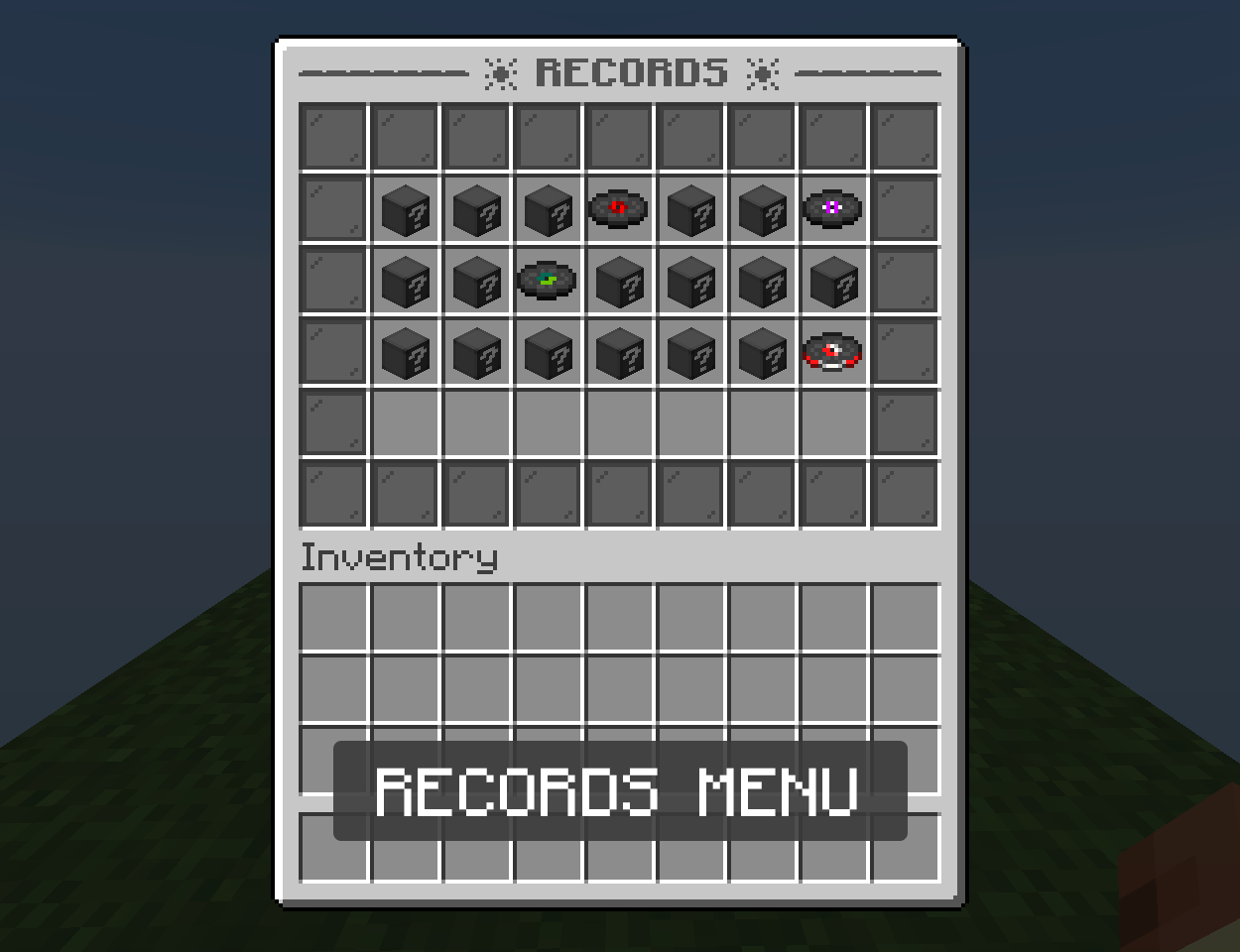 STATISTICS
 Every time a player buys a song, or when he listened to the melody for a couple of seconds, this is recorded in the statistics.
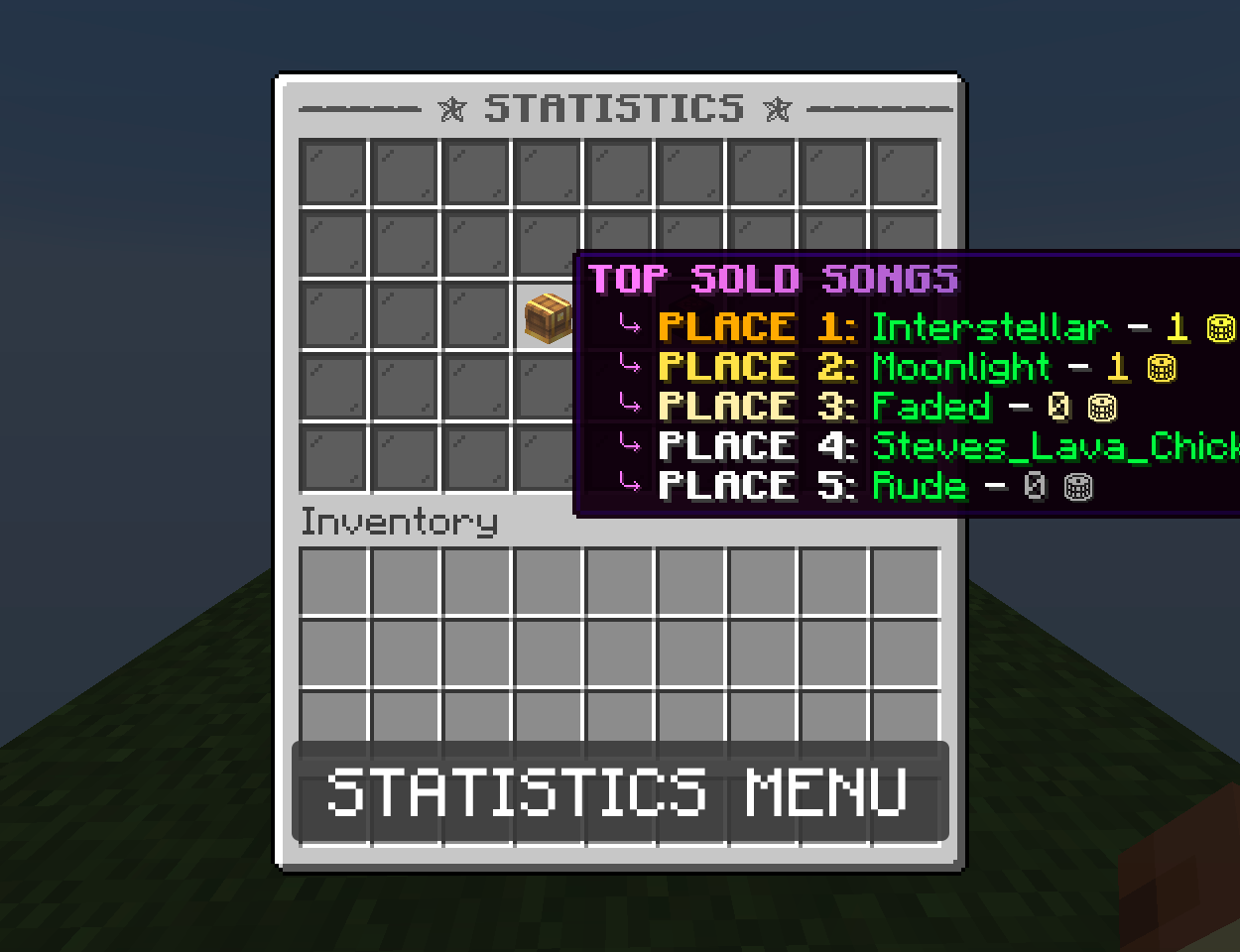 POCKET BOOMBOX
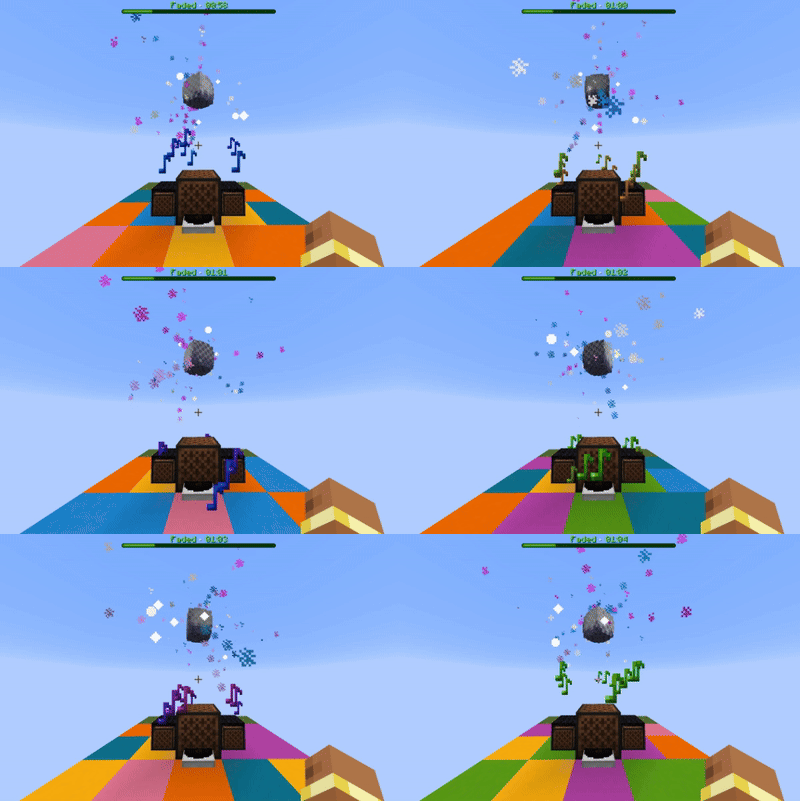
 Shift + Right click to take the boombox with you. He will fly after you. If you turn on music and pick it up, it will play music evenly and play animation. To place it, press the same combination on any free block.
 ANIMATIONS AND PARTICLES
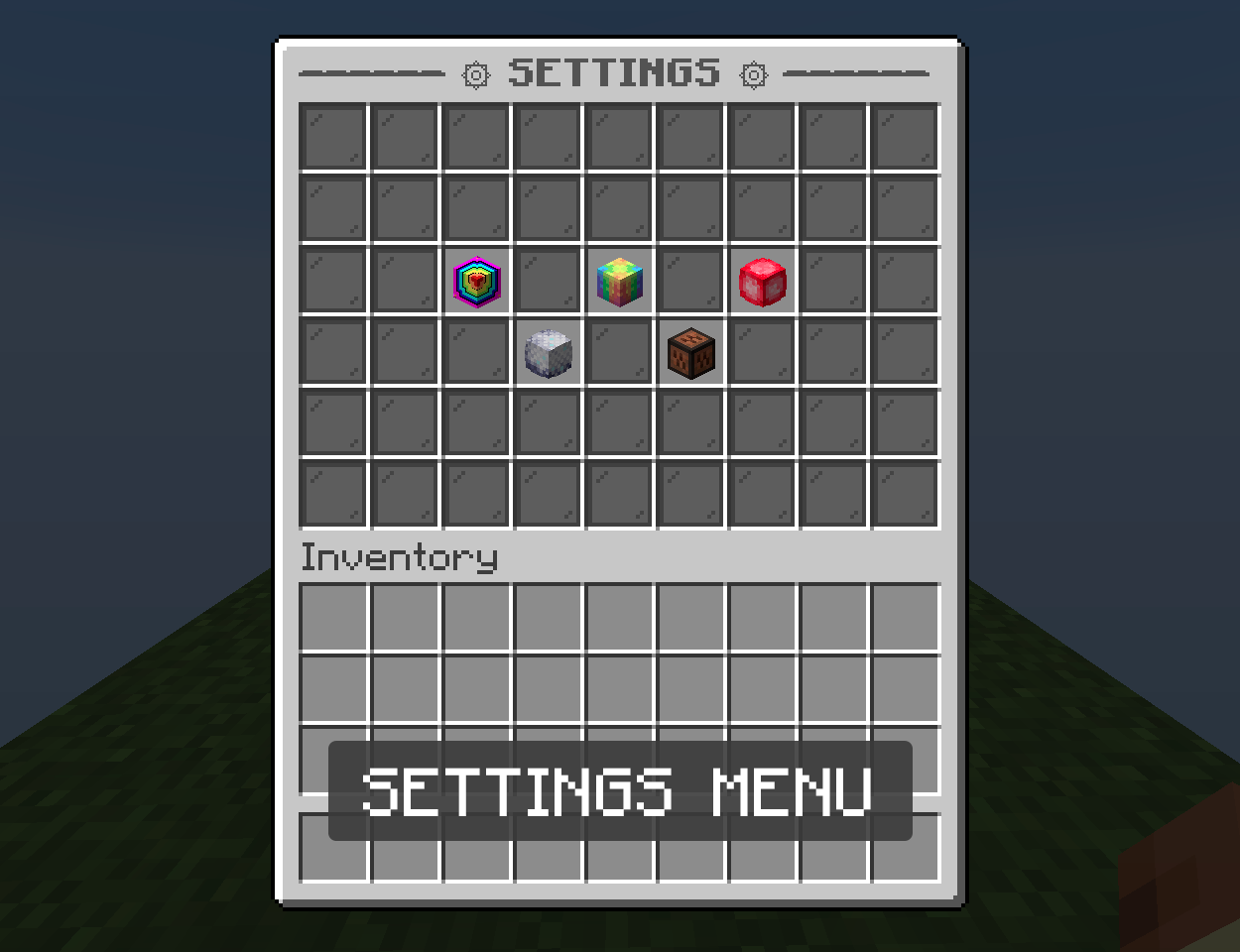
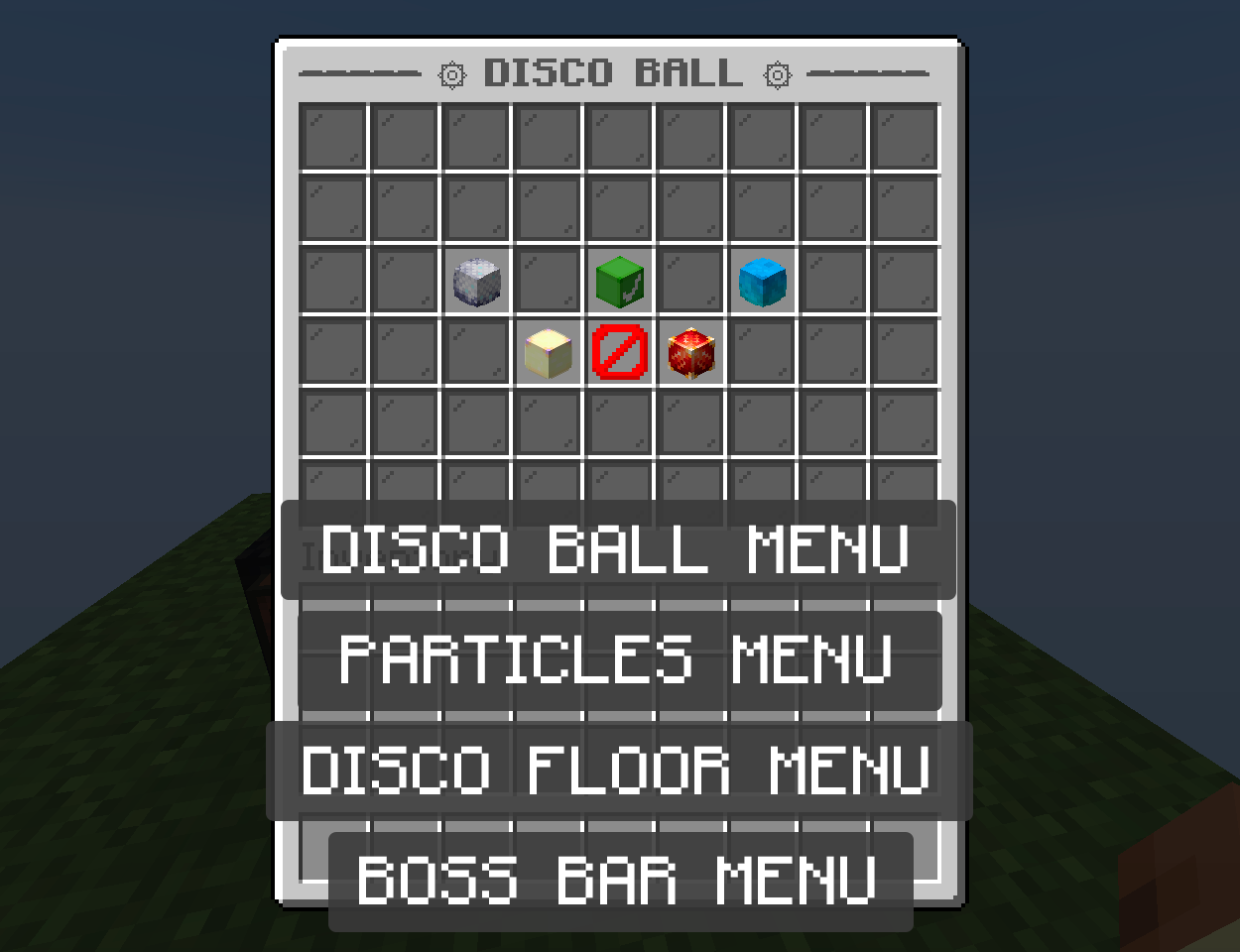
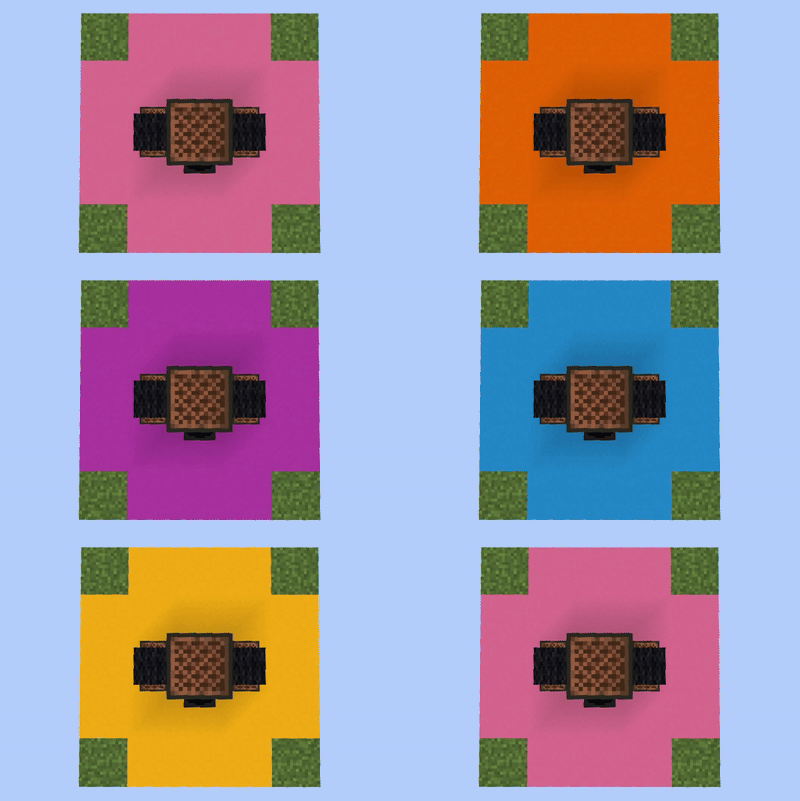
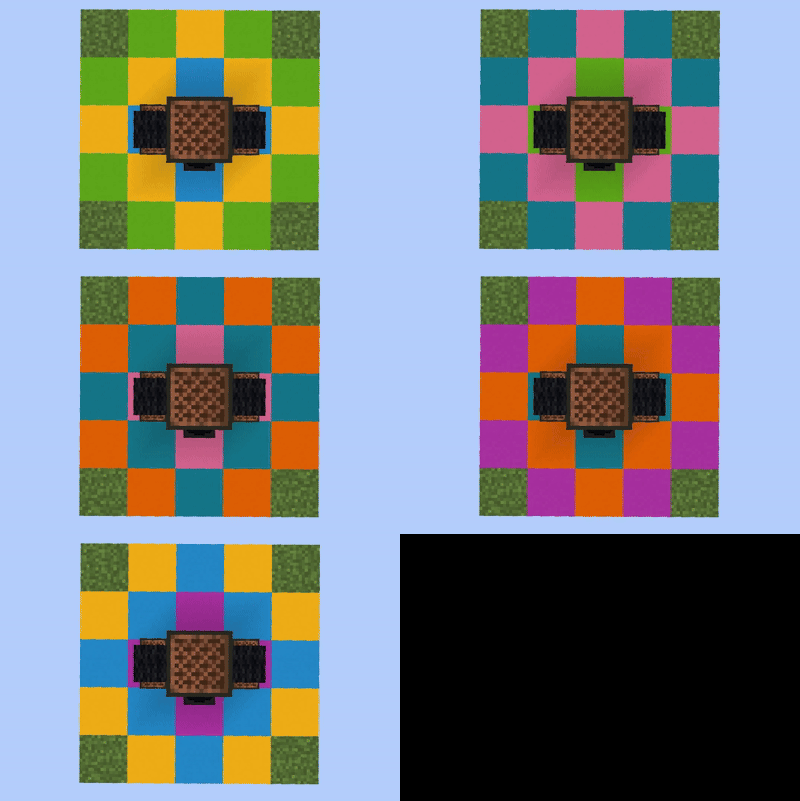
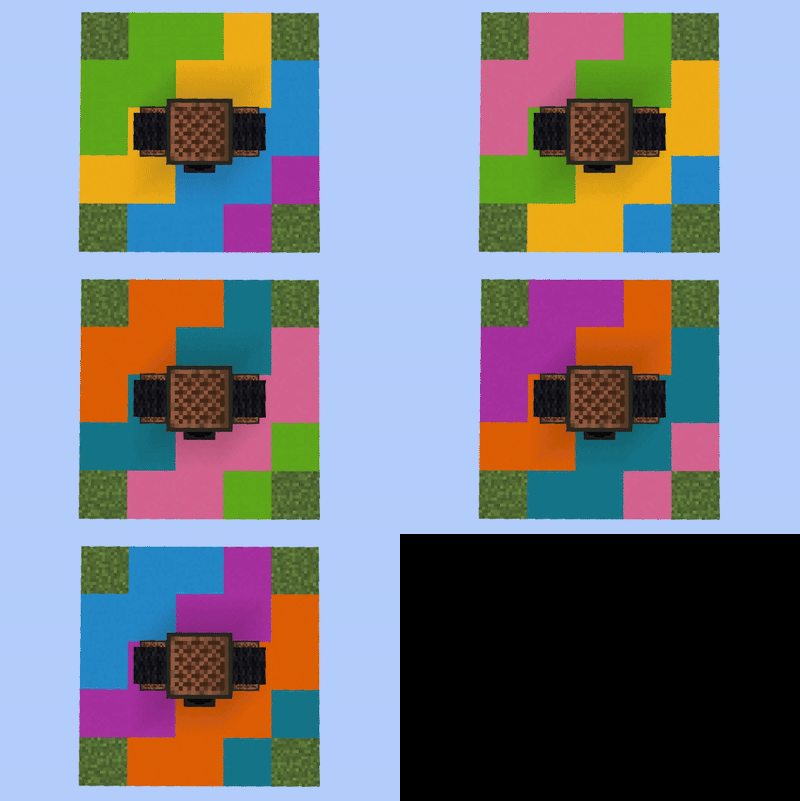
 Each player has his own menu where he can set the settings for his boombox.
He can change:
- Boss bar style/color
- Disco ball style
- Particles animation
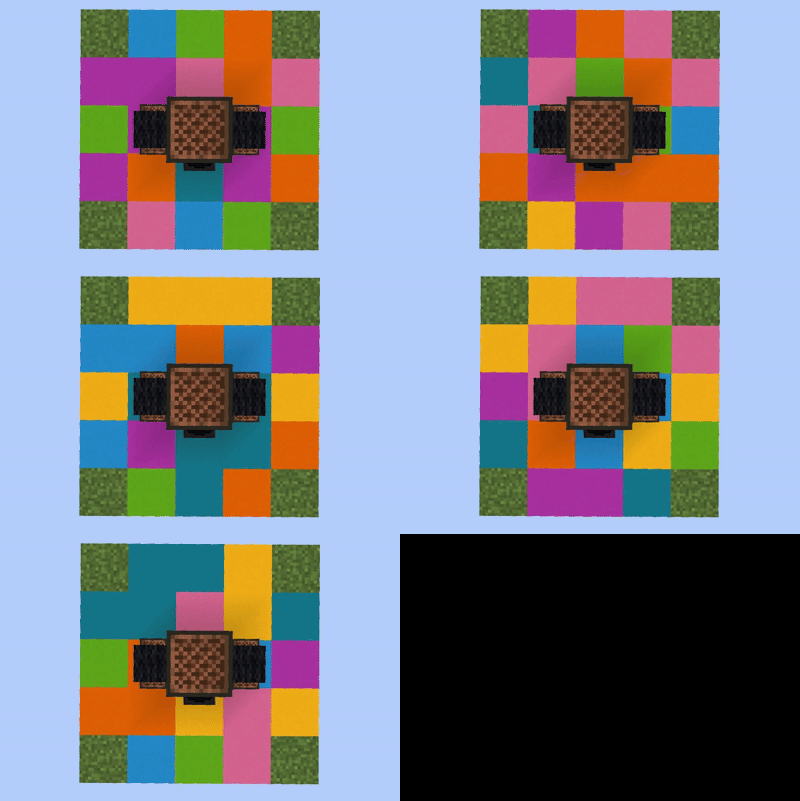
- Disco floor animation
- Pocket boombox style
ALL ANIMATIONS AND PARTICLES CAN BE TURNED OFF.

YAML:
permissions:
boombox.*:
description: Allows the player to use all commands
boombox.create:
description: Allows the player to create boombox
boombox.create.player:
description: Allows the player to create boombox to another player
boombox.lobby.create:
description: Allows the player to create lobby boombox
boombox.lobby.create.player:
description: Allows the player to create lobby boombox to another player
boombox.pocket:
description: Allow players to take the boombox and listen on the go
boombox.place:
description: Allow players to place and break boombox
boombox.break.owner:
description: Allows players to break other players boomboxes if they are not closed
boombox.change.owner:
description: Allows players to change the volume of other players radio stations if they are not closed
boombox.use:
description: Allow players to use boombox
boombox.amount.1:
description: Specifies how many boomboxes a player can have OPTIONAL DEPENDENCIES
 VAULT - Economy API that works with popular plugins: CMI, EssentialsX, etc.
PLACEHOLDERAPI - Required to display game statistics.
DISCORDSRV - Sends win/loss and another messages to Discord.
COINS ENGINE - Use a currency other than dollars.
PLAYER POINTS - Use a currency other than dollars.
WORK WITH VEGAS - The plugin that adds 17 game modes so you can listen to music while playing!
ARMWRESTLING - The plugin adds armwrestling games so you can listen to music while playing!
PLACEHOLDERS %boombox_radio_song%
%boombox_purchases_name_1%
%boombox_purchases_score_1%
%boombox_auditions_name_3%
%boombox_auditions_score_3%



![[Yma] Block Party | with music | 1.13 --> 1.20 |](/data/resource_icons/1/x1805.jpg,q1705618897.pagespeed.ic.zLlaPJmvKE.jpg)
