

View: https://youtu.be/Sjep5SDzRZ8
This item is a Quality of Life feature — not required, but strongly recommended
The portal shown in the showcase video is not included in this pack. Check out our store to find the featured portal!
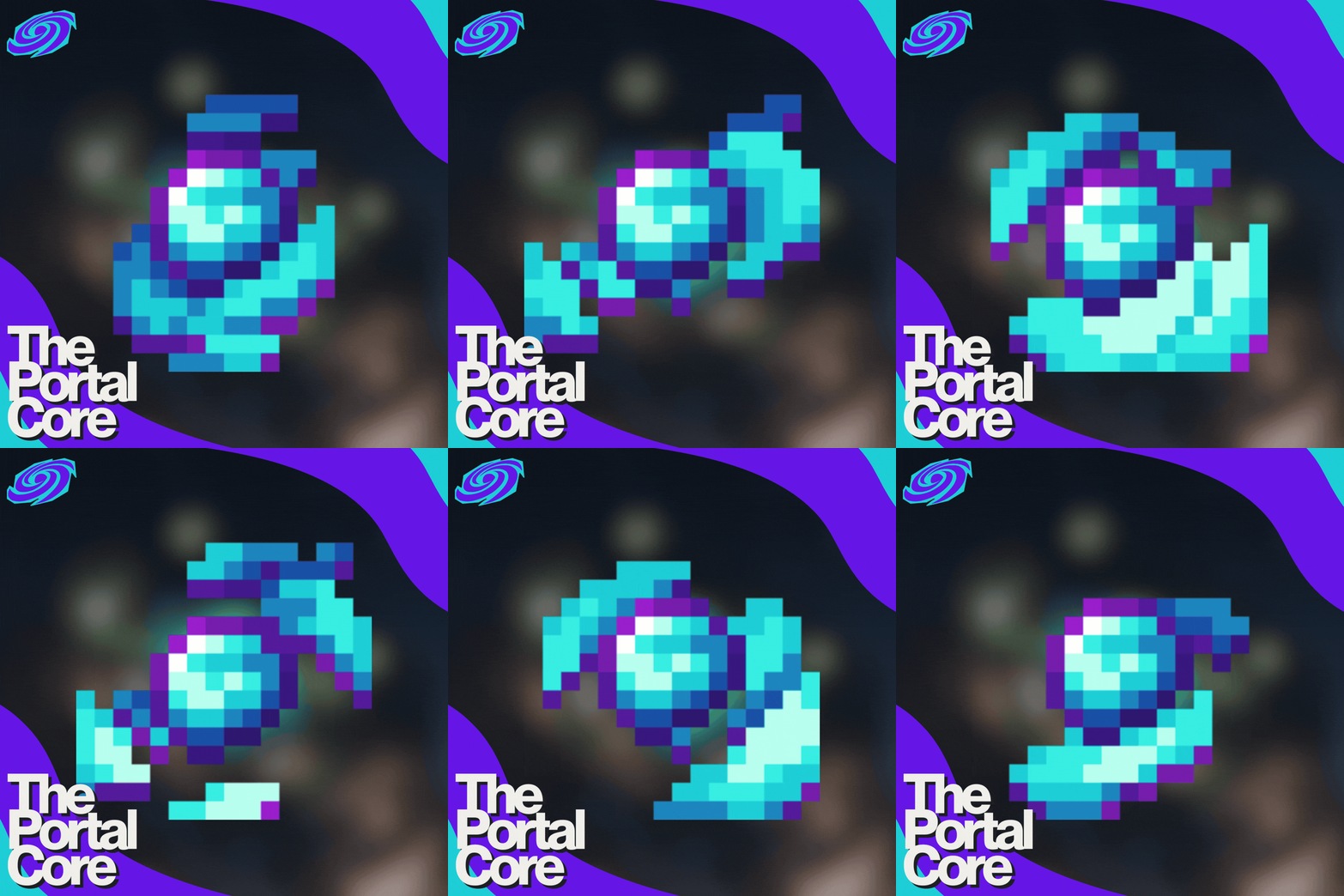
The Portal Core
The Portal Core is the heart of the Portals system — a powerful in-game item that gives you full control over every portal you’ve purchased and installed from the Portals Store

Through a clean and intuitive menu, the Portal Core lets you browse, spawn, customize, and manage your portals with ease — no commands, no hassle.
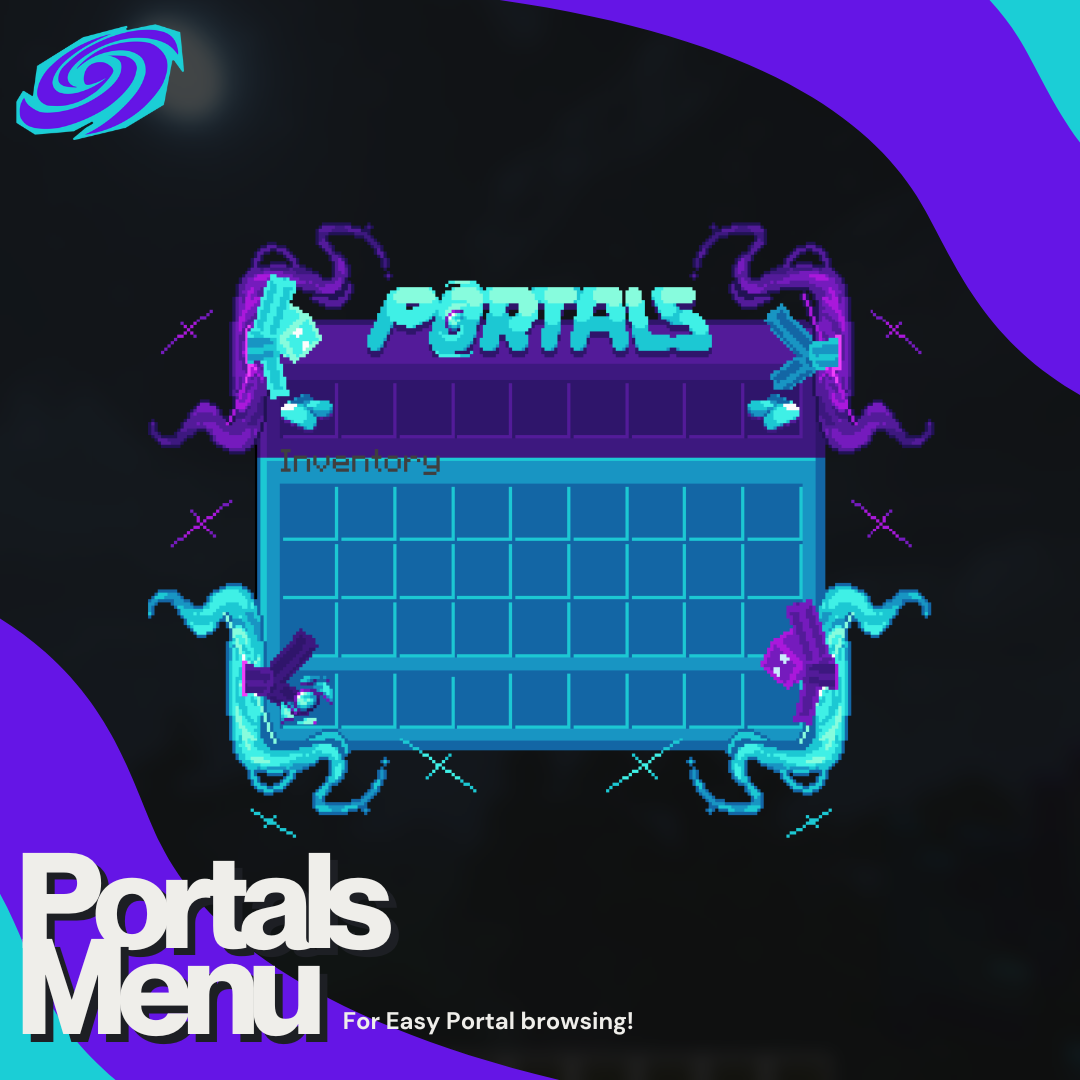
Portal Selection Menu 
Open the Portal Core to access a multi-page menu containing all installed portals (Portals available on the Portals store!).- Left Click → Receive the MythicMobs spawn egg for that portal’s VFX
- Right Click → Open a portal-specific placement menu
Structure Placement Controls 
When placing a portal structure, you can instantly choose its orientation:- North / East / South / West
- Shift + Left Click → Undo the last placed structure
- Shift + Right Click → Redo the structure
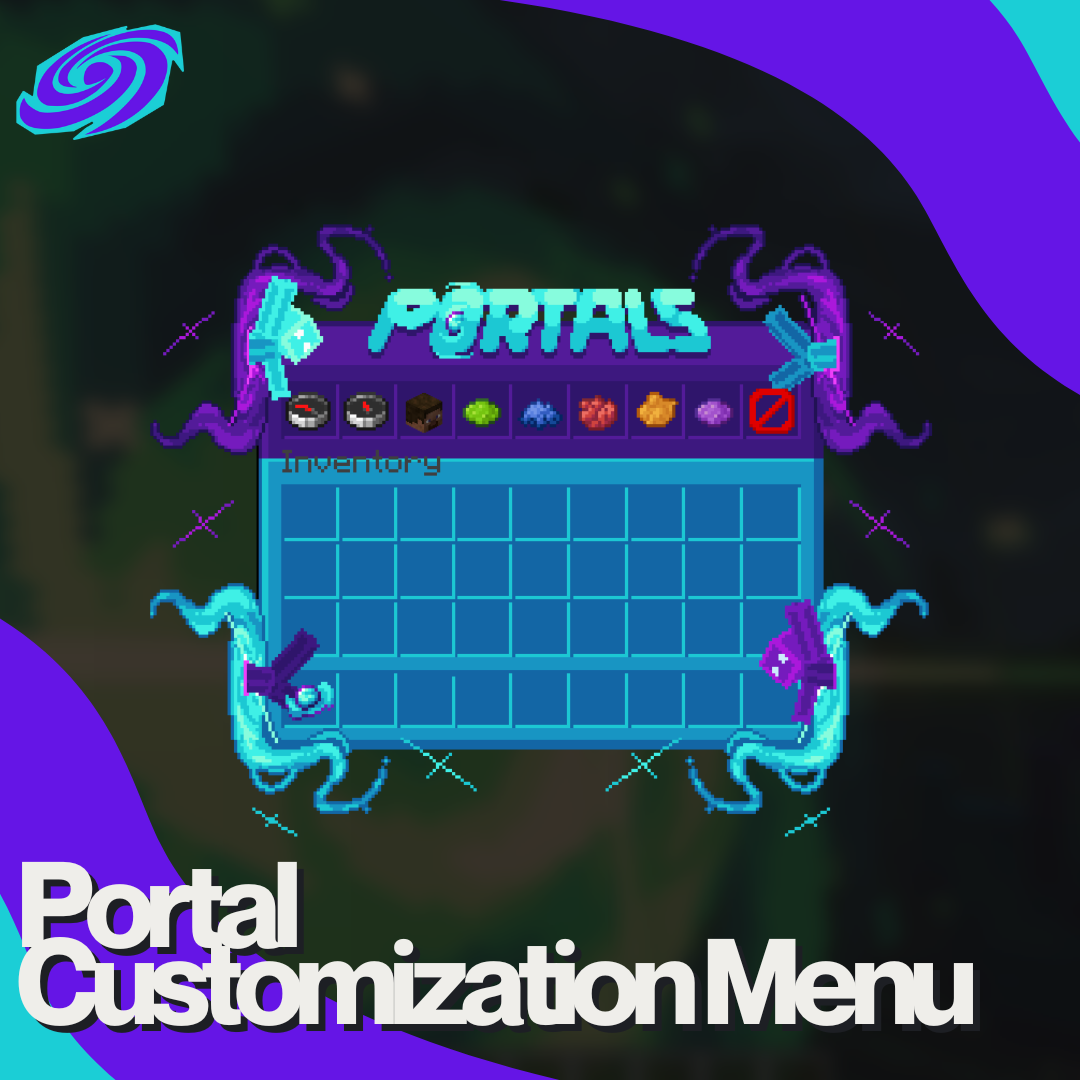
Live Portal Customization 
After placing a portal, simply right-click the portal’s hitbox to open its control menu.From here, you can:
- Rotate the portal in any direction, including towards yourself
- Live-update portal variants in real time

- Delete the portal instantly if needed
Why The Portal Core? 
- No commands required
- Clean, user-friendly menus
- Full control over placement, rotation, and variants
- Built to scale with future portals
- Includes a step-by-step Installation PDF


1
2
3
4


![Mighty Mushrooms [Cottage Core]](/data/resource_icons/1/x1706.jpg,q1705088341.pagespeed.ic.DY4fo7xI9Y.jpg)
